What is a Move-In Move-Out Condition Report and Why Does It Matter?
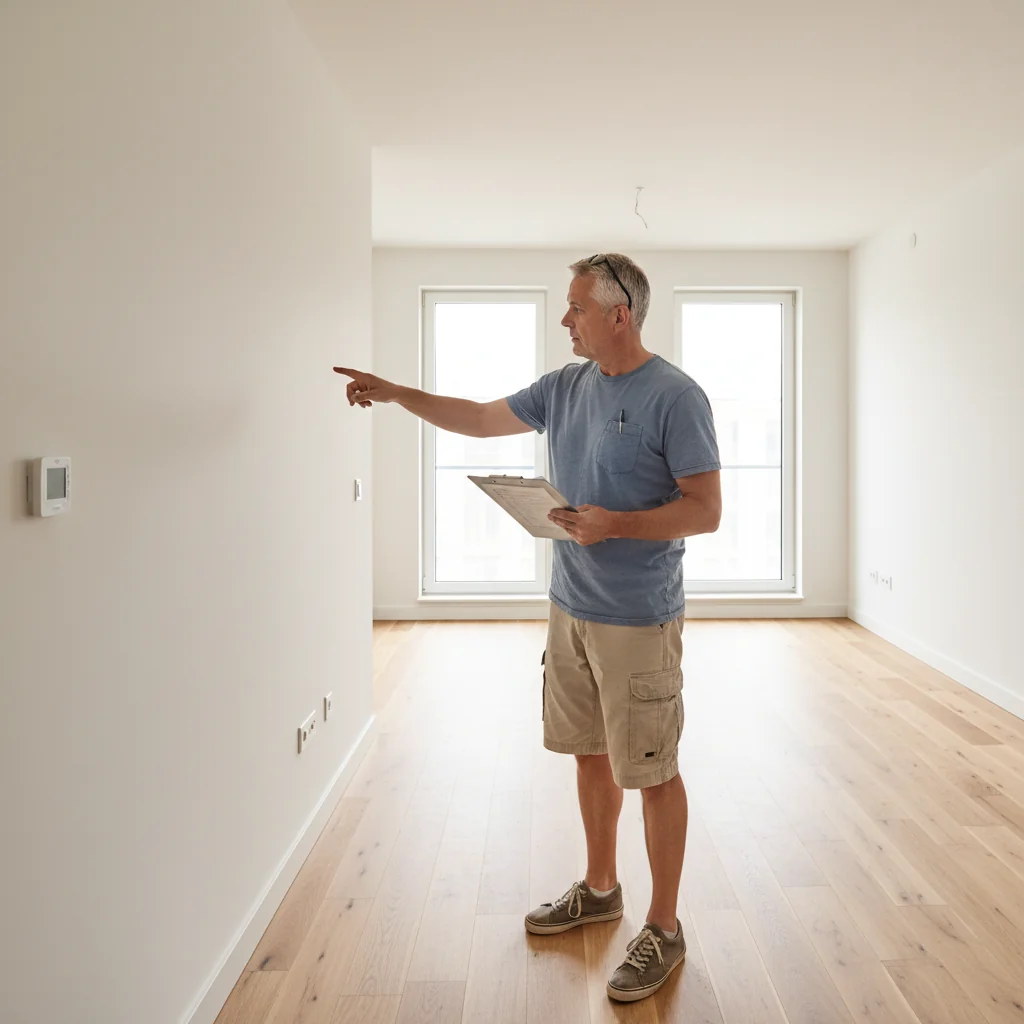
A move-in move-out condition report is a detailed document that records the physical state of a rental property at the beginning and end of a tenancy. This essential tool helps establish a baseline for the property's condition, preventing disputes over damages or wear and tear.
The primary purpose of this report is to protect both tenants and landlords by providing clear evidence of pre-existing issues and any new damage incurred during the lease. For tenants, it safeguards against unfair deductions from their security deposit, while landlords can use it to justify legitimate repair costs, ensuring fairness under U.S. rental laws.
Accuracy in completing the move-in move-out condition report is crucial to avoid misunderstandings or legal challenges that could arise from vague descriptions or overlooked details. For in-depth guidance on this process in the United States, explore our resource on Understanding the Move-In Move-Out Condition Report in the US.
To further support accurate reporting, consider using bespoke AI-generated legal documents from Docaro, tailored to your specific rental agreement. Authoritative resources like the U.S. Department of Housing and Urban Development's tenant rights page offer additional insights into fair housing practices.
Why Should You Avoid Common Mistakes in Your Condition Report?
Errors in a move-in move-out condition report can lead to significant disputes over security deposits, where landlords or tenants contest deductions for alleged damages that weren't accurately documented at the start. This often results in withheld funds, forcing parties to negotiate or escalate to small claims court, delaying the return of deposits and causing financial stress.
The importance of an accurate move-in move-out condition report cannot be overstated, as it serves as the primary evidence in resolving rental disputes under U.S. landlord-tenant laws. For detailed guidance on creating one, refer to our resource on the move-in move-out condition report.
Legal issues may arise from inaccuracies, such as claims of fraud or breach of lease terms, potentially leading to lawsuits and attorney fees. According to the U.S. Department of Housing and Urban Development, precise documentation helps prevent such escalations and ensures compliance with state-specific regulations.
- Financial losses: Incorrect reports can result in unfair deposit withholdings or overpayments.
- Time-consuming resolutions: Disputes may require mediation or court appearances, prolonging the process.
- Reputation damage: Repeated errors can harm landlord-tenant relationships or lead to negative reviews.
What Are the Most Common Mistakes in Move-In Move-Out Condition Reports?
Incomplete Documentation
Incomplete documentation, such as skipping rooms during an inspection or omitting key details in legal records, undermines the reliability of the entire process. This oversight can lead to disputes, financial losses, or legal challenges later, as incomplete records fail to provide a full picture of the situation.
For instance, in real estate inspections, not noting structural issues in a basement room might result in unexpected repair costs for buyers post-purchase. Similarly, in medical or forensic documentation, skipping details about a patient's condition or scene evidence can compromise investigations or treatments, potentially causing harm or invalidating claims.
To avoid these pitfalls, always include comprehensive details like room dimensions, visible damages, timestamps, and involved parties. For legal documents, advocate using bespoke AI-generated legal documents via Docaro to ensure nothing is overlooked, as recommended by the U.S. Courts for thorough record-keeping.
- Room specifics: Size, condition, and contents.
- Details to note: Dates, signatures, and any anomalies.
- Best practice: Double-check for completeness before finalizing.
Thorough documentation is essential for protecting your interests; always generate bespoke legal documents using Docaro to ensure they are tailored precisely to your needs.
Vague or Subjective Descriptions
Using vague language like "dirty" in descriptions can lead to misunderstandings, as it fails to convey precise meanings and invites subjective interpretations. Instead, opt for objective, detailed descriptions that specify exact conditions, such as "covered in mud and grease," to ensure clarity in communication, whether in writing, legal documents, or everyday interactions.
To enhance clarity in descriptions, focus on sensory details and measurable attributes that eliminate ambiguity. For instance, in legal writing, describe a property as "a 2,000-square-foot warehouse with visible oil stains on the concrete floor" rather than relying on imprecise terms.
Here are some tips for clarity in using detailed descriptions:
- Identify the key elements: Break down the subject into specific features, like size, color, texture, or state.
- Use active voice and avoid jargon: This makes your language direct and accessible to all readers.
- Revise for precision: Read aloud to check if the description paints a clear picture without assumptions.
- For legal needs, generate bespoke AI documents via Docaro legal tools to ensure tailored, unambiguous wording compliant with U.S. standards.
Consult authoritative U.S. resources like the Federal Plain Language Guidelines for best practices in clear communication.
Forgetting to Take Dated Photos or Videos
One critical mistake in property disputes is failing to document the condition of an item or space with timestamped photos or videos before any transaction or agreement. This oversight can leave you vulnerable when disagreements arise, as verbal claims often lack the credibility needed to support your case in mediation or court.
Timestamped evidence is vital for disputes because it provides an objective, verifiable record of the initial state, helping to prove claims of damage or neglect. Without it, proving who is responsible becomes a he-said-she-said scenario, often favoring the party with more resources or better documentation.
To avoid this error, always capture detailed, dated visuals immediately, including multiple angles for clarity. For related legal guidance, refer to resources from the Federal Trade Commission on protecting your rights in consumer disputes.
- Use a phone's built-in timestamp feature to ensure authenticity.
- Include context like measurements or notes in the footage for stronger proof.
- Store files securely and share copies with involved parties promptly.
1
Prepare Documentation Tools
Gather phone or camera for high-res photos and videos. Enable timestamps in settings. Create organized folders labeled by room and date for easy file management.
2
Capture Move-In Evidence
Systematically photo and video every room, noting condition with timestamps. Include close-ups of walls, floors, appliances. Organize files immediately in dated folders.
3
Record Move-Out Inspection
Document any damages or changes with timestamped photos and videos during walkthrough. Compare to move-in records. Store in separate outcome folders for clarity.
4
Secure and Legalize Records
Backup all media to cloud storage. Use Docaro to generate bespoke AI legal documents summarizing documentation for dispute protection.
Ignoring Minor Issues
A common oversight in property management and inspections is dismissing small damages or wear, such as minor scratches on walls or faded paint, assuming they are insignificant. However, these seemingly trivial issues can accumulate and lead to disputes if not addressed promptly.
Recording even minor damages is essential to create a clear documentation trail that protects all parties involved. This practice helps avoid future blame by establishing a baseline condition, making it easier to identify new issues later.
To enhance your documentation process, consider using bespoke AI-generated legal documents from Docaro for customized checklists and reports tailored to your needs. For authoritative guidance on property inspections in the US, refer to resources from the U.S. Department of Housing and Urban Development.
- Always photograph small damages with timestamps for evidence.
- Include detailed descriptions in your records to prevent misunderstandings.
- Share documentation with relevant parties to ensure transparency.
Rushing the Process or Missing Deadlines
Rushing through the move-in move-out condition report can lead to overlooked damages or inaccuracies, potentially resulting in disputes over security deposits. Failing to submit it on time may violate state-specific legal deadlines, such as those in California requiring reports within 15 days of move-out, as outlined by the California Department of Consumer Affairs.
To avoid these risks, follow a thorough step-by-step guide for completing the report accurately and on schedule. Access the detailed instructions at move-in move-out condition report guide to ensure compliance and protect your interests.
For complex situations, consider using bespoke AI-generated legal documents from Docaro to customize your report precisely, rather than relying on generic forms. This approach helps meet legal deadlines and minimizes errors in tenant-landlord agreements.
How Can You Ensure Accuracy in Your Condition Report?
To avoid common mistakes in move-in and move-out condition reports, always double-check all details for accuracy before finalizing the document. Involving both the landlord and tenant during the inspection process ensures transparency and reduces disputes over property condition.
Document everything thoroughly with dated photos and notes to support claims about the property's state. For best practices in rental agreements, consult authoritative U.S. resources like the HUD tenant rights page for federal guidelines.
Read more on preventing errors in our guide: Common Mistakes in Move-In Move-Out Condition Reports. Consider using bespoke AI-generated legal documents via Docaro for customized rental paperwork tailored to your needs.
1
Initial Review
Read the entire move-in move-out condition report carefully to identify any obvious inconsistencies or missing details.
2
Cross-Check Details
Compare report entries against photos and notes from move-in and move-out dates to verify accuracy of conditions described.
3
Generate Corrections with Docaro
Use Docaro to create bespoke AI-generated legal documents for any needed corrections or amendments to the report.
4
Finalize and Sign
Incorporate all corrections, review once more, then obtain signatures from all parties to finalize the document.